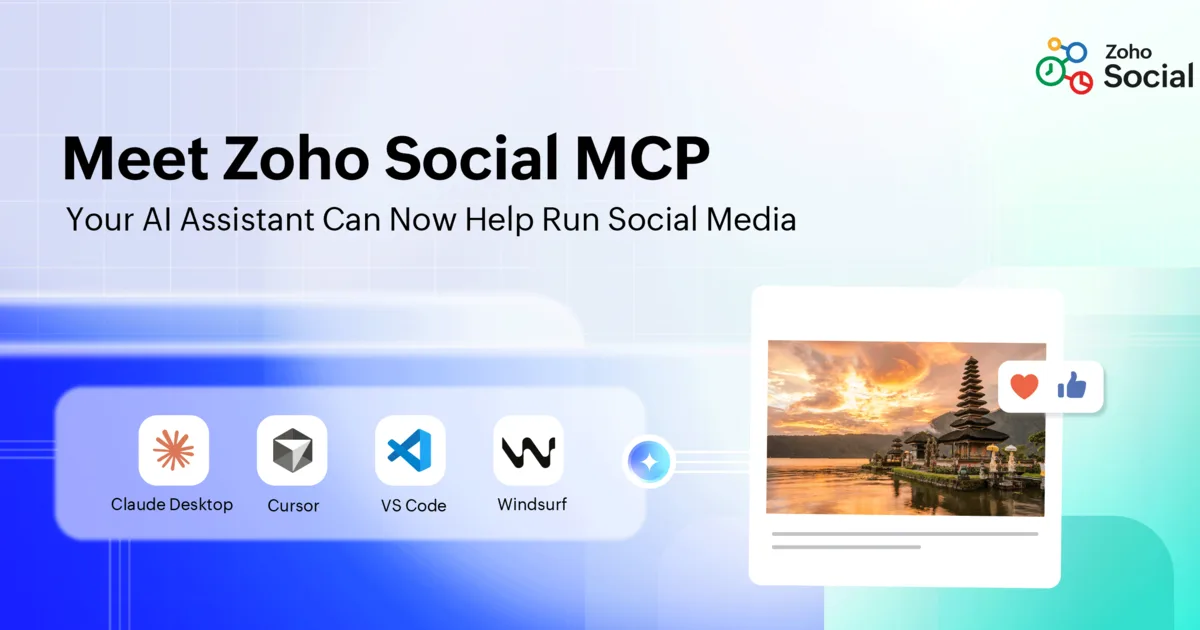
Zoho Social MCP can help assistants create drafts, schedule posts, upload media, and inspect the content calendar. The useful shift is less copying between tools, not removing editorial judgment. The useful question is where this belongs in real work and who is accountable when it fails.
What changed
Zoho Social MCP can help assistants create drafts, schedule posts, upload media, and inspect the content calendar. The useful shift is less copying between tools, not removing editorial judgment.
A sensible first move
Start with one brand and one channel. Let the assistant create drafts and organize approved assets, but keep final approval and publishing with a named person.
Where it can fail
The failure mode is fast, consistent-looking output that is off-brand, factually wrong, mistimed, or published under the wrong client account.
What to measure before expanding
Run one governed social publishing workflow beside the current process. Track corrections, time saved, missed exceptions, and who had to step in. Expand only when those numbers improve.
Talk to ZMCOR
Zoho Social MCP can help assistants create drafts, schedule posts, upload media, and inspect the content calendar. The useful shift is less copying between tools, not removing editorial judgment.
Source note
This ZMCOR article is original implementation commentary based on Zoho's public article. Meet Zoho Social MCP: Your AI assistant can now help run social media. Source media reference: Zoho. Commercial Zoho exploration link: Explore Zoho Social MCP.
FAQ
Is this only product news?
No. ZMCOR rewrites the Zoho source into implementation guidance, controls, and rollout sequencing.
Where should a team start?
Start with a narrow workflow that has clear ownership, clean data, and a result the team can measure.
Why use the ZMCOR Zoho link?
It keeps product exploration tied to ZMCOR's implementation path while sending readers to Zoho through the referral relationship.